


ArtistLab for managers
Walk into every artist conversation with the answers already open.
The score, the map, the campaign and what moved - one view you and the artist both see, so the conversation starts at the decision instead of the data hunt.
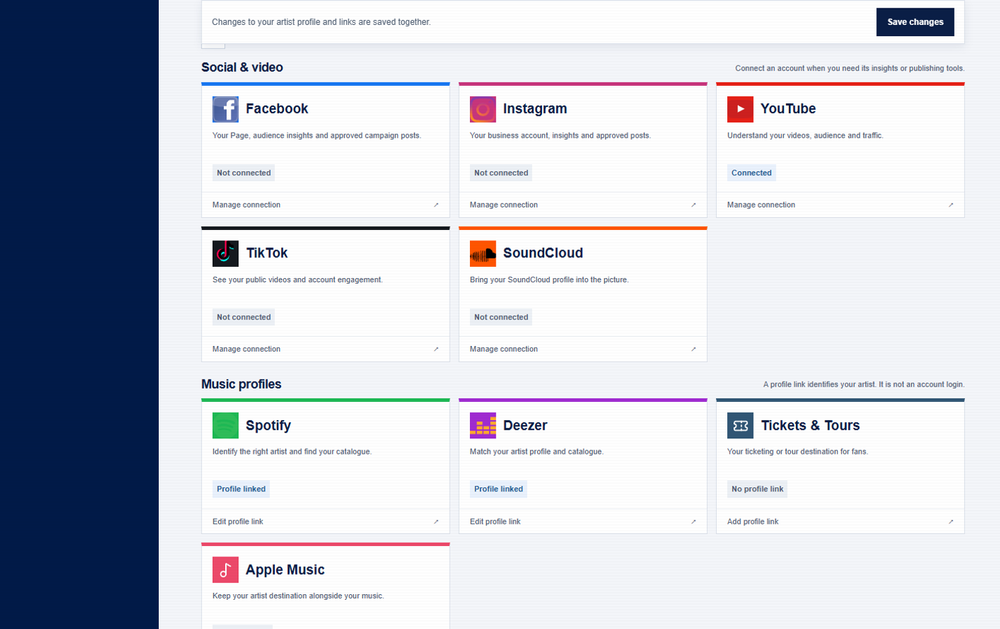
One picture you both trust
You and the artist look at the same view: Spotify score and history, listener movement, playlist activity, the audience map. No more screenshots at midnight. No more "where did that number come from".

Plan the campaign in the open
Pick the track, agree the goal, and keep the copy, approvals and schedule in one place. The artist approves every post before it publishes. You both watch the same schedule and nobody is surprised on release day.

Turn Monday into a report
After the campaign goes live, the picture updates itself: streams, followers, playlists, map. Open ArtistLab in the meeting and the review writes itself.
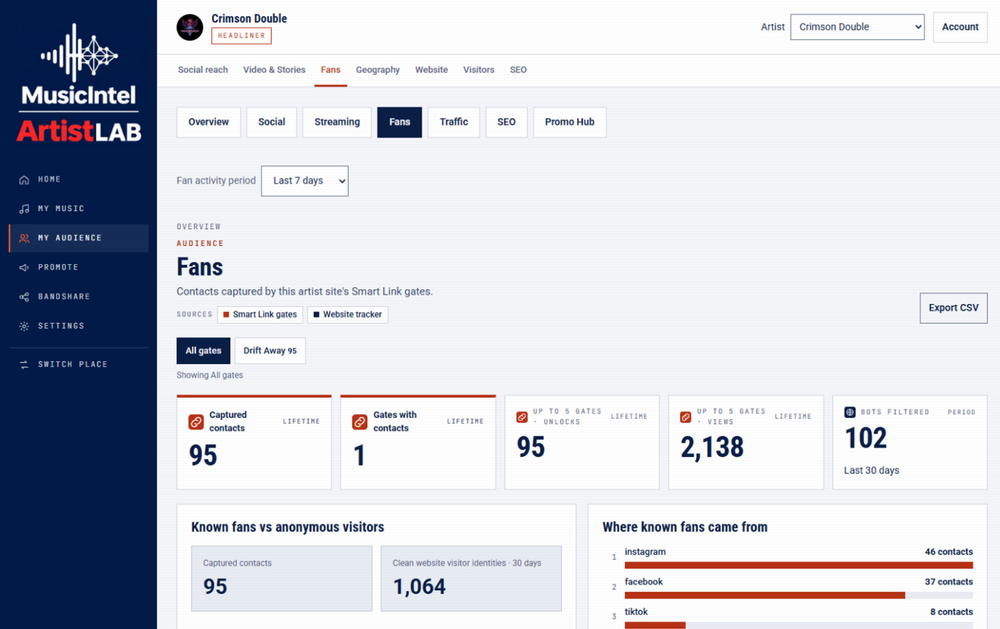
You do not need a plan of your own
Manager access is built in. The artist holds the plan, you get invited into the profile, and your access stays attached to that artist and no other. Three artists means three invitations, not three subscriptions and three logins to remember.
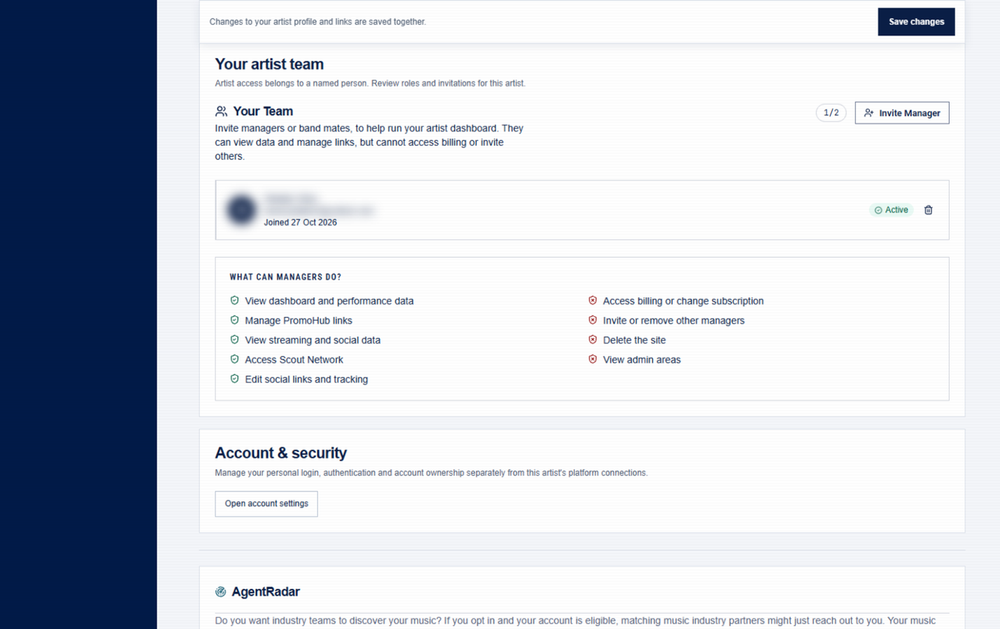
One artist here. A whole roster over there.
Each ArtistLab plan covers one artist profile, so your artists’ worlds stay cleanly separate. Running a roster professionally? That is a different job, and we built a different tool for it: Musicata Pro, on the Music Intel industry side - every artist in one view, team seats and client reporting. Prefer to talk it through first? We are humans, ask us anything.
See Musicata Pro
Quick answers
What managers ask first.
- How does ArtistLab fit the way managers work?
- One shared view per artist. You see what the artist sees, the campaign runs in the open, and every conversation starts from the same picture.
- I work with several artists. What do I do?
- Each ArtistLab plan covers one artist profile, and profiles stay cleanly separate. For the full roster job - every artist in one view, team seats, client reporting - see Musicata Pro on our industry side. Or talk to us and we will point you at the right setup, not the biggest one.
- Do I need to buy a plan for each artist I manage?
- No. The artist holds the plan and invites you into the profile. Manager access is built in, and each artist’s world stays separate.
- Who pays - me or the artist?
- Either works. A plan belongs to an artist profile, and whoever manages the billing can hold the card.
Keep exploring
That is one answer. ArtistLab has more.
What is my Spotify Popularity Score?
Spotify Popularity. The 0 to 100 number industry people check before they check you.
Explore Spotify PopularityHow do I create and publish the next post?
CampaignManager. Posts written from your actual releases, published to your connected accounts.
Explore CampaignManagerWhere should every release link land?
Promo Hub. One Smart Link, every destination, receipts included.
Explore Promo HubArtistLab by Music Intel
Bring the next artist meeting back to the work.
One view, one plan, one story you can stand behind.